Fewer emails. Faster approvals.
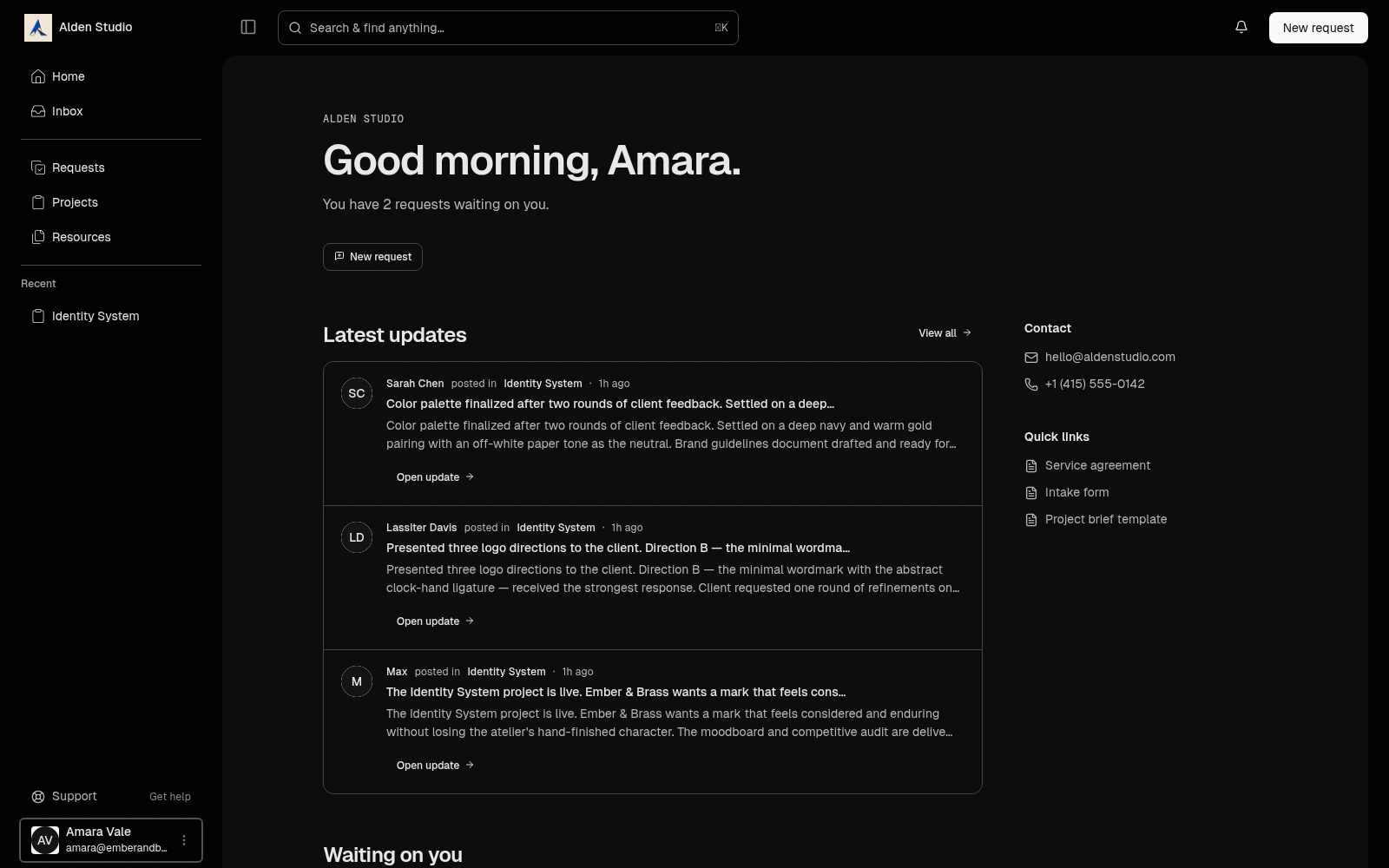
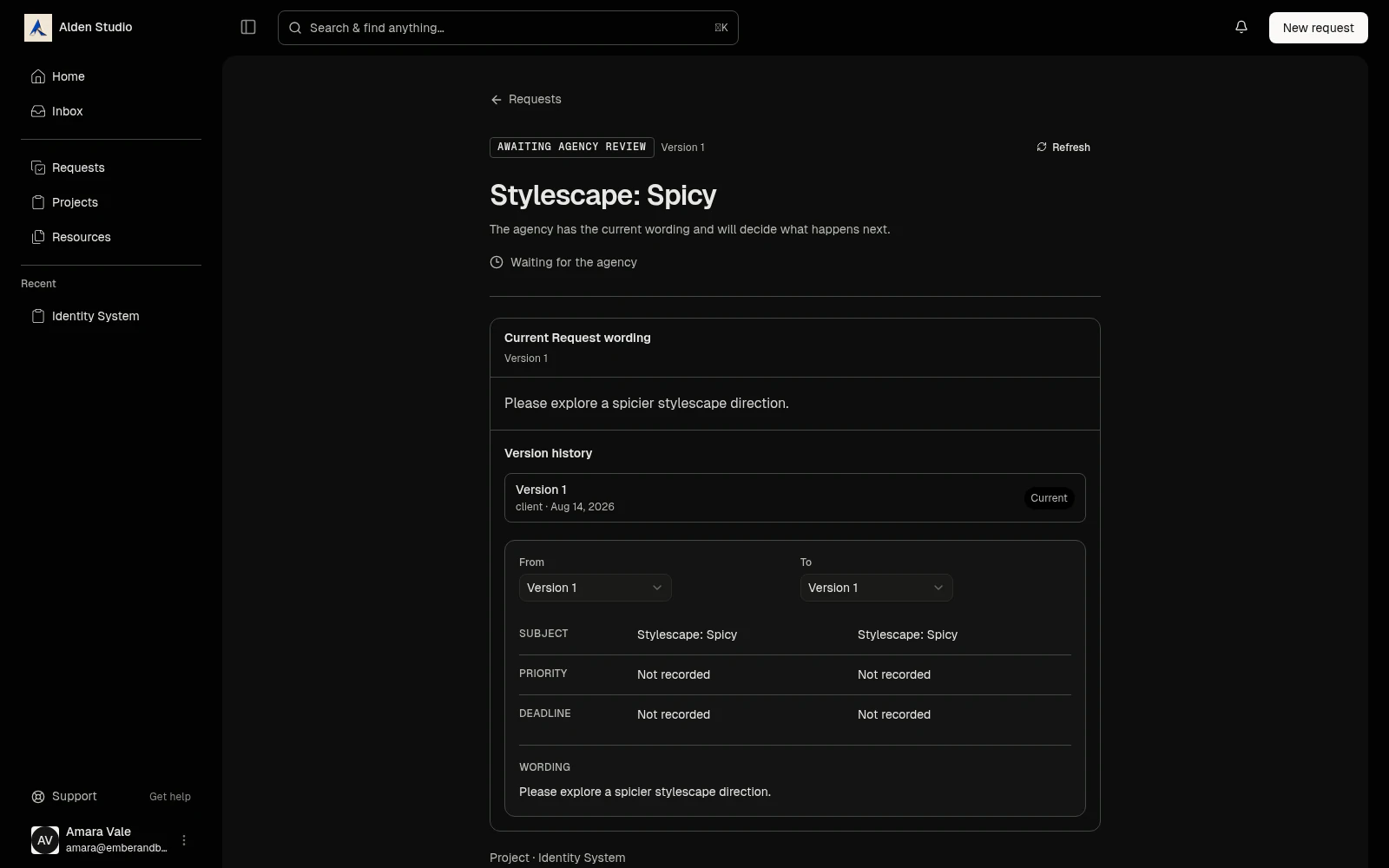
A client portal with your name on it, where clients check progress, review rounds, ask for changes, and approve work on their own time. You stop chasing. Every yes is on the record.
How it works
Share. Show clients exactly where the project stands.
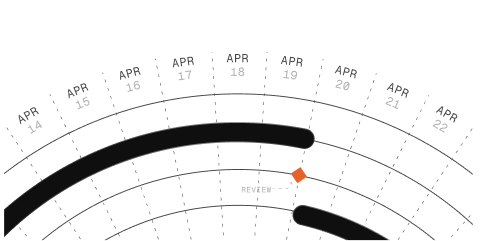
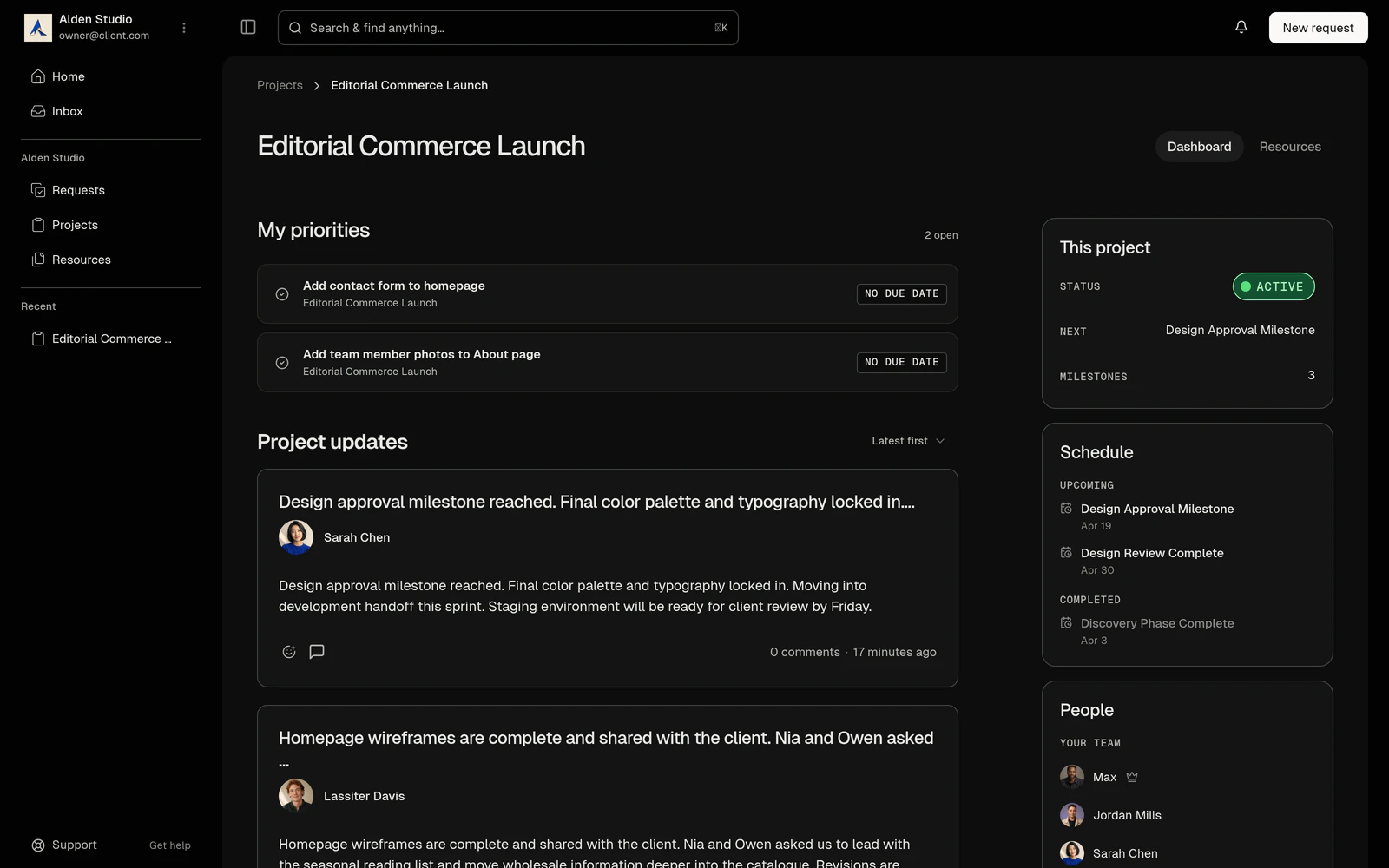
Publish a project and the client sees the stages and every dated milestone you've marked for them. Post an update and it lands in their portal with a reply thread.
- Nothing is shared until you publish.
- Internal milestones stay internal, dated or not.
- One control withholds the whole schedule for NDA work.
Review. Send files and requests where clients will actually find them.
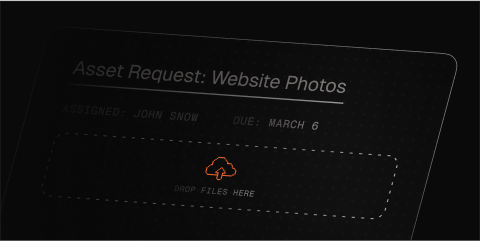
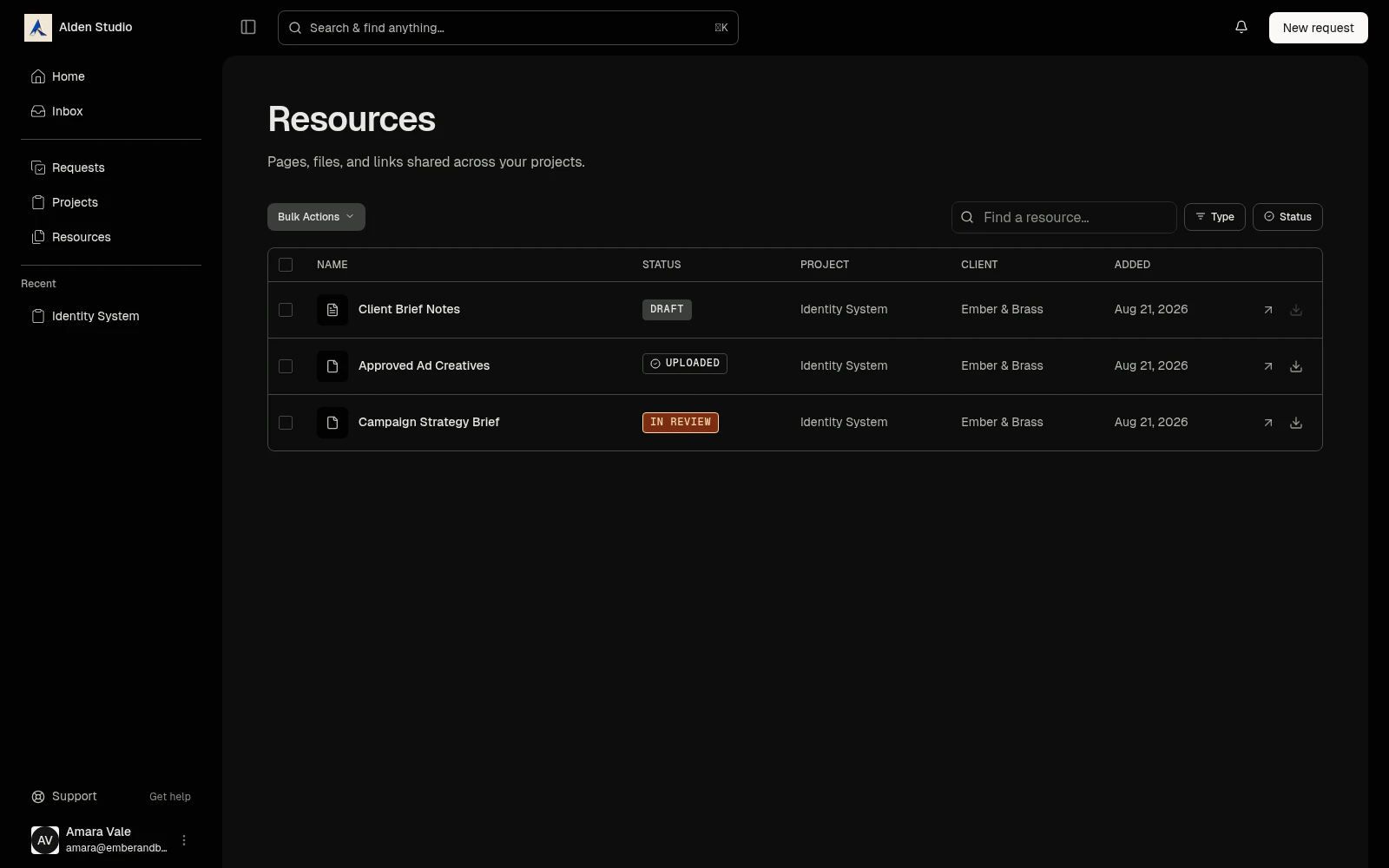
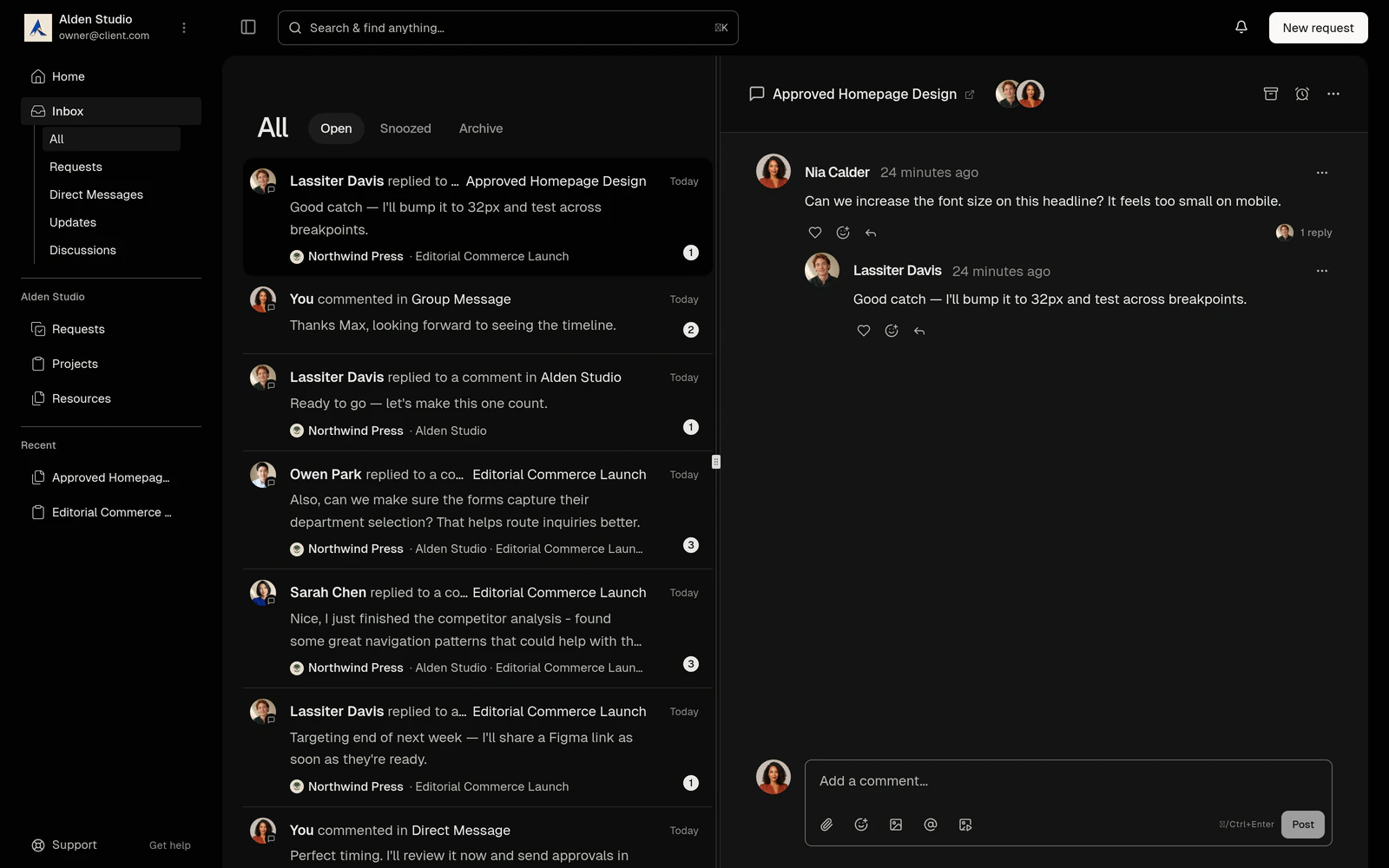
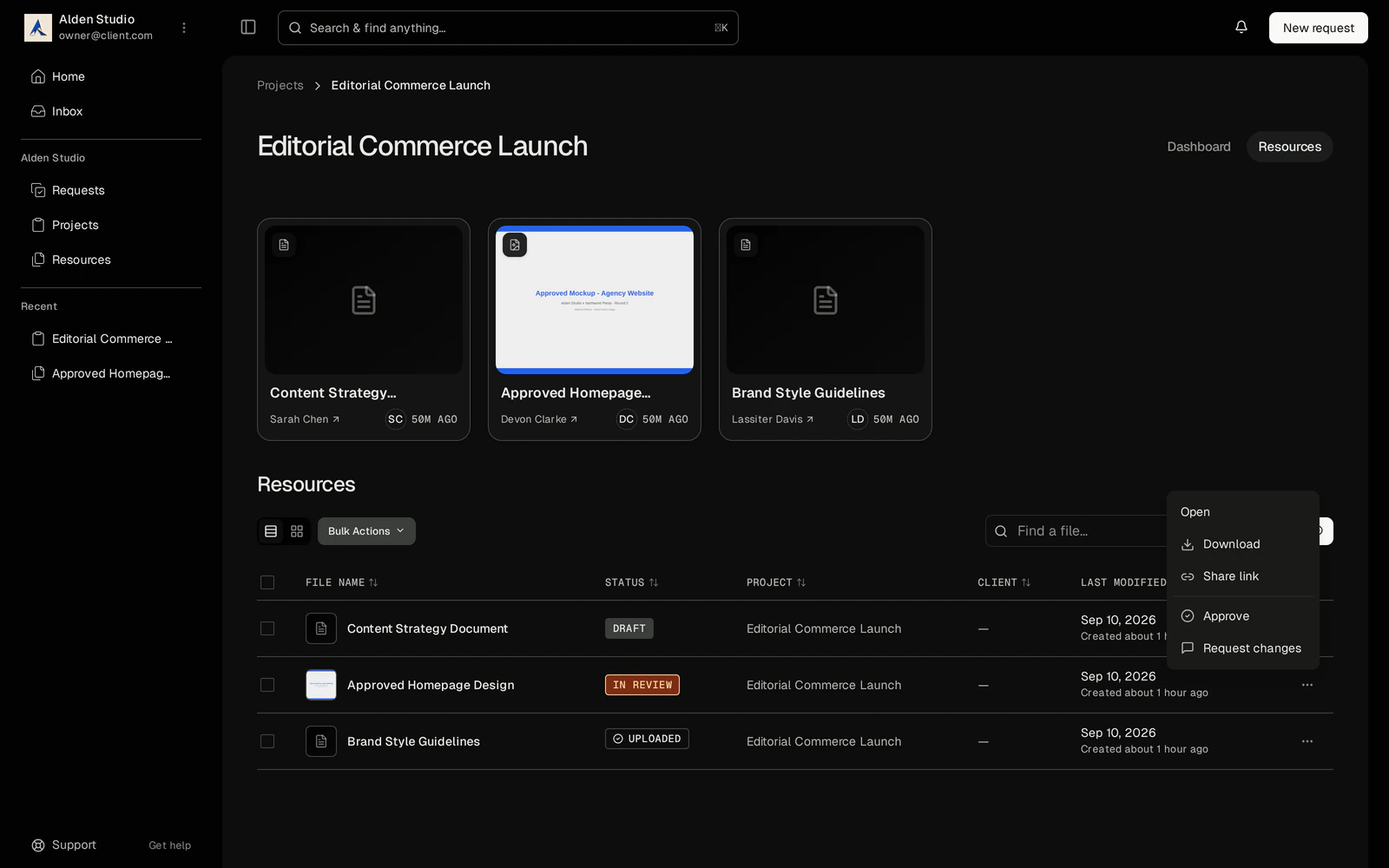
Grant a file or a page and the client comments on the exact spot: a region, a PDF page, a timestamp. Clients file their own requests too, with attachments, and follow each one to a resolved receipt.
- Files and pages are shared one at a time.
- Annotations stay with the version they were made on.
- Clients can revise a request. Only you accept or decline.
Approve. Get feedback and sign-off in writing.
Ask for a decision on a milestone or a deliverable. The client answers with one click: approved, or changes requested, with a note. Who, when, and what stays attached to the thing they approved.
- A client-visible milestone can't complete without sign-off.
- Changes requested sends it back with the note.
- Every transition and note is kept. The trail is the point.
Everything in the portal
Branded to you
Logo, colors, welcome copy, all yours.
Client accounts
Invite your clients by email. Watson handles the rest.
Custom experience
Pick what each client sees, shares, and interacts with.
Preview as client
See their side before you send the invite.
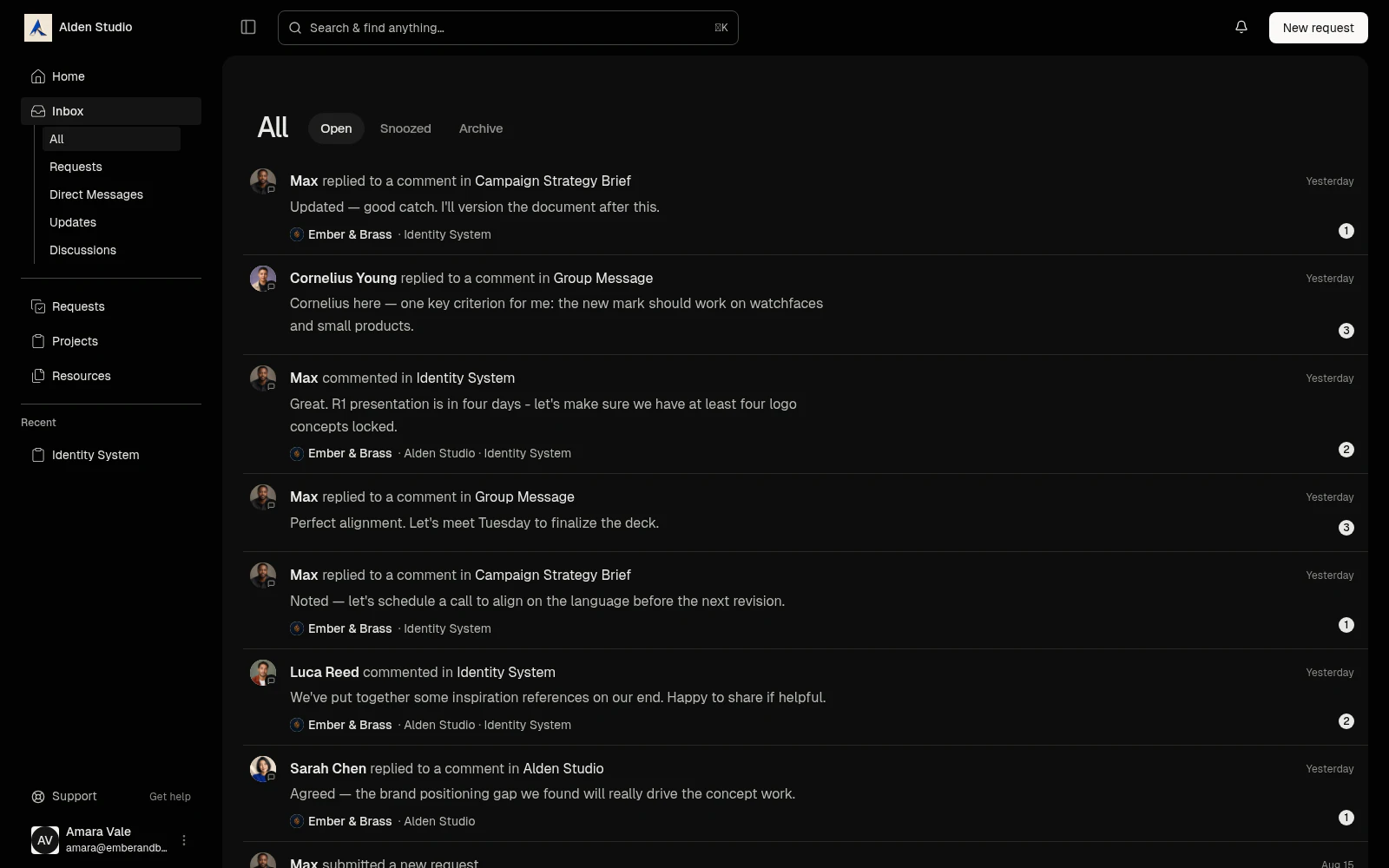
Portal inbox
The client's own list of what needs them.
Client uploads
Land in the project, visible to them by default.
Scoped visibility
Clients see only what you scope them to.
Read by default
Clients act where you let them and can't touch your work.
Calm on purpose
No noisy notifications, no settings to learn.
A clean wrap-up
Engagement closes, portal goes read-only, history stays.
Who it’s for
Brand designers
Present each round as a granted file, take the notes on the mark itself, collect the approval on the milestone, move on.
Photographers
The shoot is a project. The gallery is a deliverable. Selects get approved without an email thread.
Web designers
Discovery, design, and build as stages the client can see, so launch day holds no surprises.
Consultants
A status page for every engagement, and one thread for everything that isn't about a specific project.
Questions & Answers
Do clients pay for a seat?
No. Client access is free on every plan.
Can I use my own domain for the portal?
Not today. The portal lives on a Watson-hosted subdomain with your studio's name, carrying your logo, colors, and welcome copy. Custom domains are on the roadmap for a higher tier and aren't part of the beta.
Will clients see Watson anywhere?
No. The portal is its own application in your branding. Clients see your studio's client portal, nothing else.
How do clients log in?
Email and password. They set the password when they accept your invite. Magic-link login is planned, not in the beta.
What can a client see by default?
Nothing, until you publish the project. On publish: stage titles, the dated milestones you've marked client-visible, the project thread, and its updates. Files and pages need a per-item grant. Action items never appear in the portal.
Can I hide the schedule from a client?
Yes. The Share step has one control that withholds stages and milestones even on a published project. Your workspace sets the default; any project can override it.
What are the client roles?
Primary (billing and decisions), Collaborator (work-focused), Read-Only. The role lives on the portal access, not the person, so one contact can be Primary at your studio and Read-Only at another.
Can a client see my internal notes or my task list?
No. Action items are internal by design. Tag a client in a discussion on one and they get the thread in their inbox without seeing the item behind it. Everything client-visible passes a sanitation step that strips mentions of internal-only work.
How do approvals work, exactly?
You request a decision on a milestone or a resource. One approver at a time in the beta. They answer approved or changes requested, with an optional note. Every request, answer, and note is logged with who and when. A client-visible milestone can't complete until the client has approved it. Approving is not completing: a client who approves a milestone gets no other control over it.
What if a client never responds to an approval?
The milestone stays open and the schedule can drift. Nothing auto-approves. You can withdraw the request or reassign the approver, and the change is recorded.
What's a request, and how is it different from an approval?
An approval is your ask to the client. A request is the client's ask to you: a new deliverable, a change, a review. They file it with attachments, revise it while it waits, and follow it to a resolved receipt. You accept it, optionally turning it into action items you track, or decline it with a reason. If you propose amended wording, the client ratifies the words. That approves the wording, not the work.
Can clients message me in the portal?
Yes, in two places. Each published project has a thread the client is part of. Each client has one general thread for everything else. There are no client-facing channels.
Can clients comment on a specific part of a file?
Yes. An annotation pins to a region of an image or PDF page, a timestamp in a video, or a text range on a page, and stays with the version it was made on.
Can clients upload files?
Yes, into the project you share with them. What they upload is visible to them by default.
What if one person is a client at two studios on Watson?
One profile, two portal accesses, two separate portals in each studio's branding. Watson doesn't show a combined view.
What happens when the engagement ends?
The portal goes read-only. The client keeps their history by default; you can revoke it.
What if my Watson subscription lapses?
The portal stays up, read-only, with a message telling the client to contact you. Clients can still reply in threads and approve what's outstanding. Uploads pause.
Does it work on a phone?
In a mobile browser, yes. A native-feeling mobile portal is on the roadmap. So is time-limited guest access for outside reviewers.
The portal shows what Projects plan and what Files hold.