More creating. Less grinding.
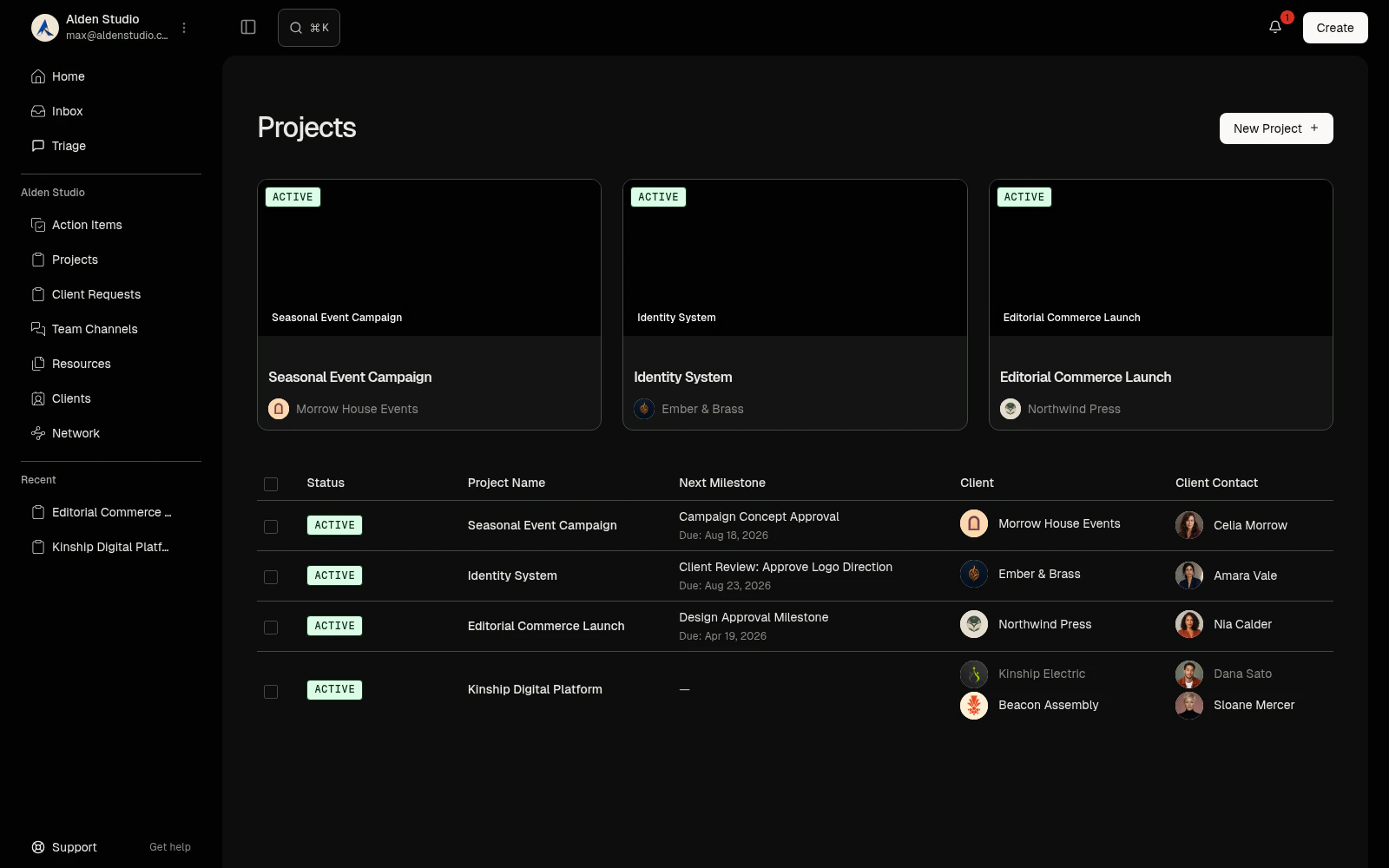
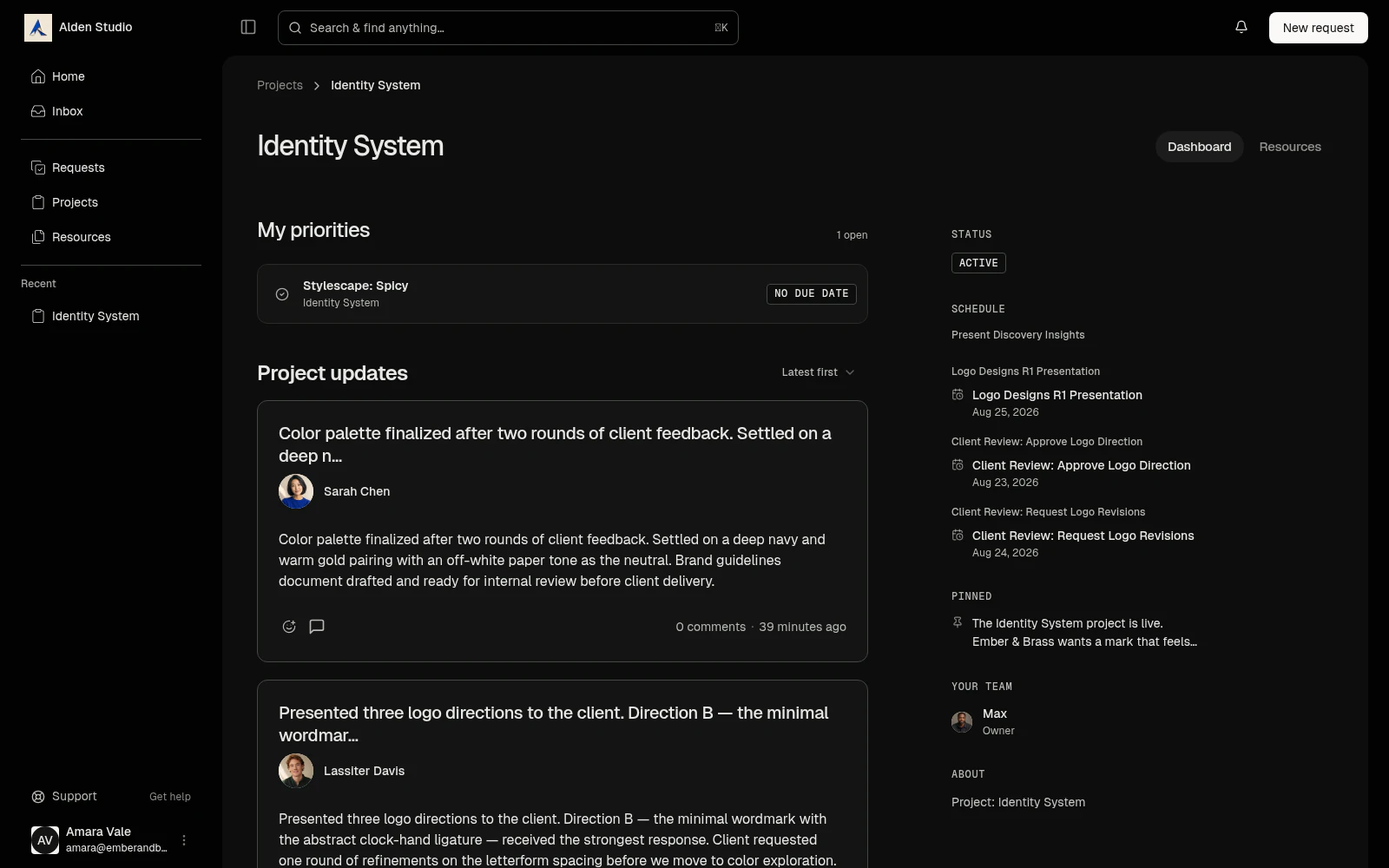
Plan client, studio, and personal projects in minutes. See every milestone, action item, and deadline on one schedule, and every bit of client communication in one inbox.
How it works
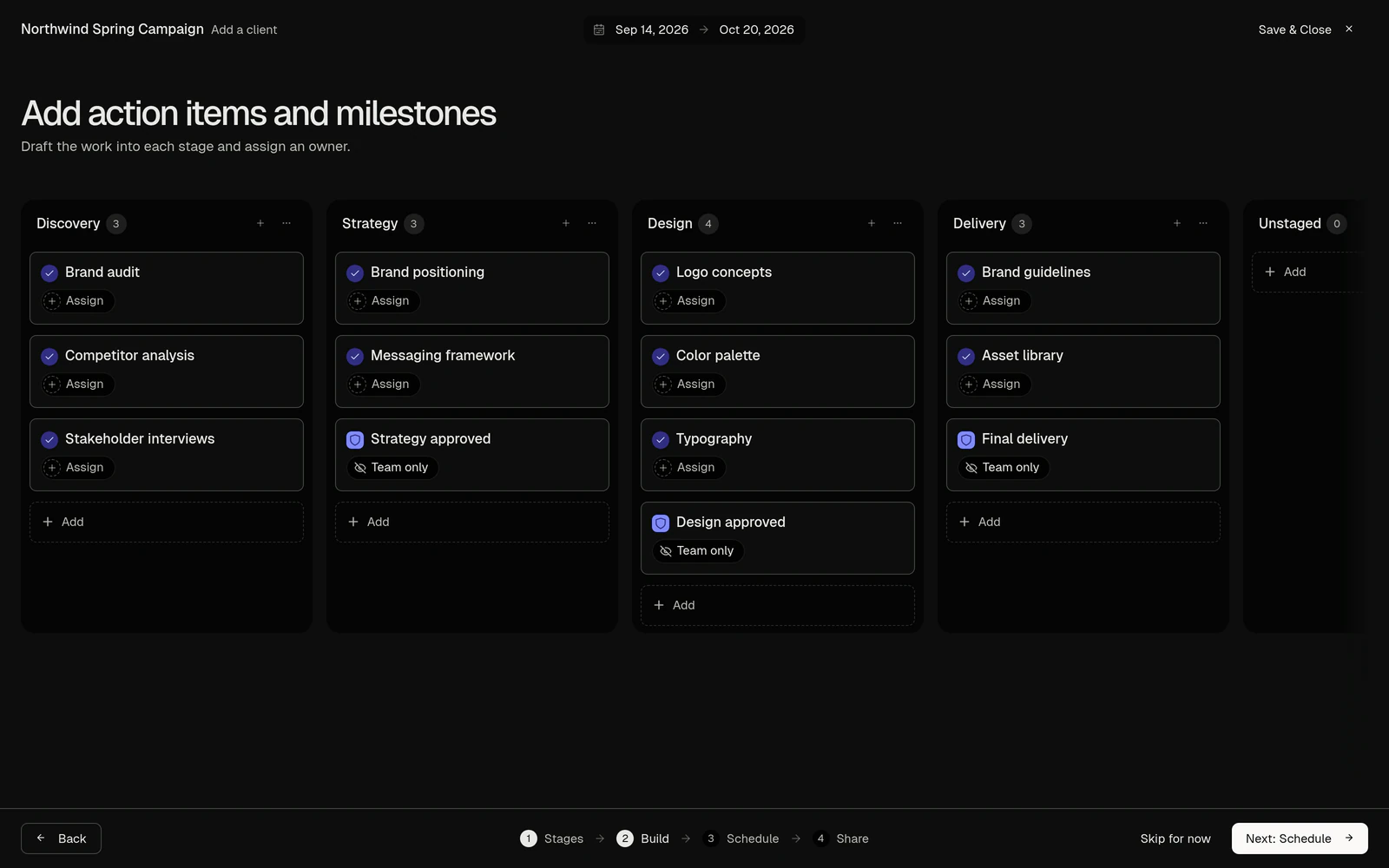
Plan. Set up a project in minutes, from a template or from scratch.
Name it and go, or build it out: stages, action items, milestones, then dates, then what the client sees. Start from a project you've already run and every item is pre-filled and editable.
- A name alone makes a valid project.
- Milestones anchor sign-off and gate what follows.
- Save any project as a template. Clone one to run it again.
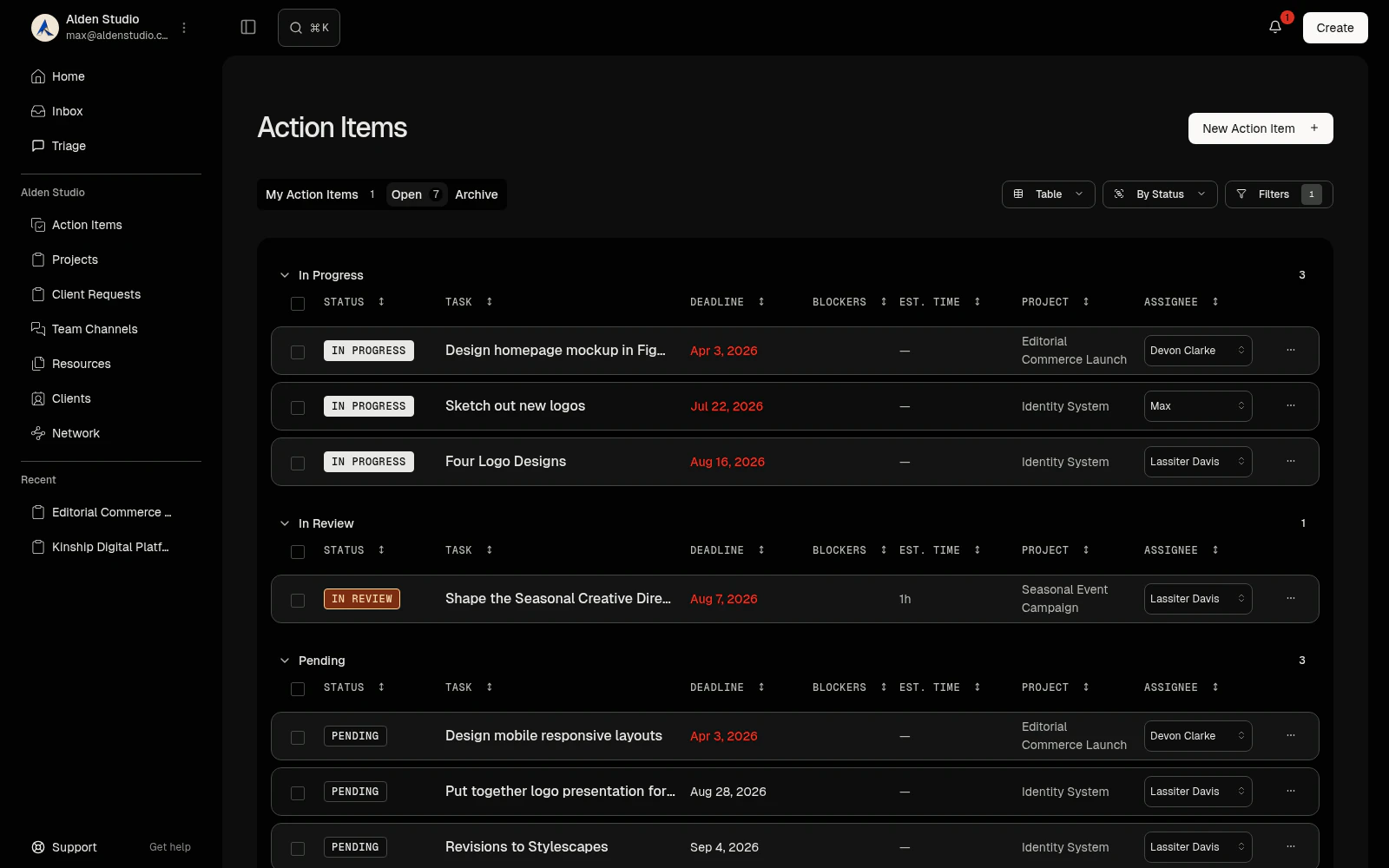
Do. Break the work into action items you'll actually finish.
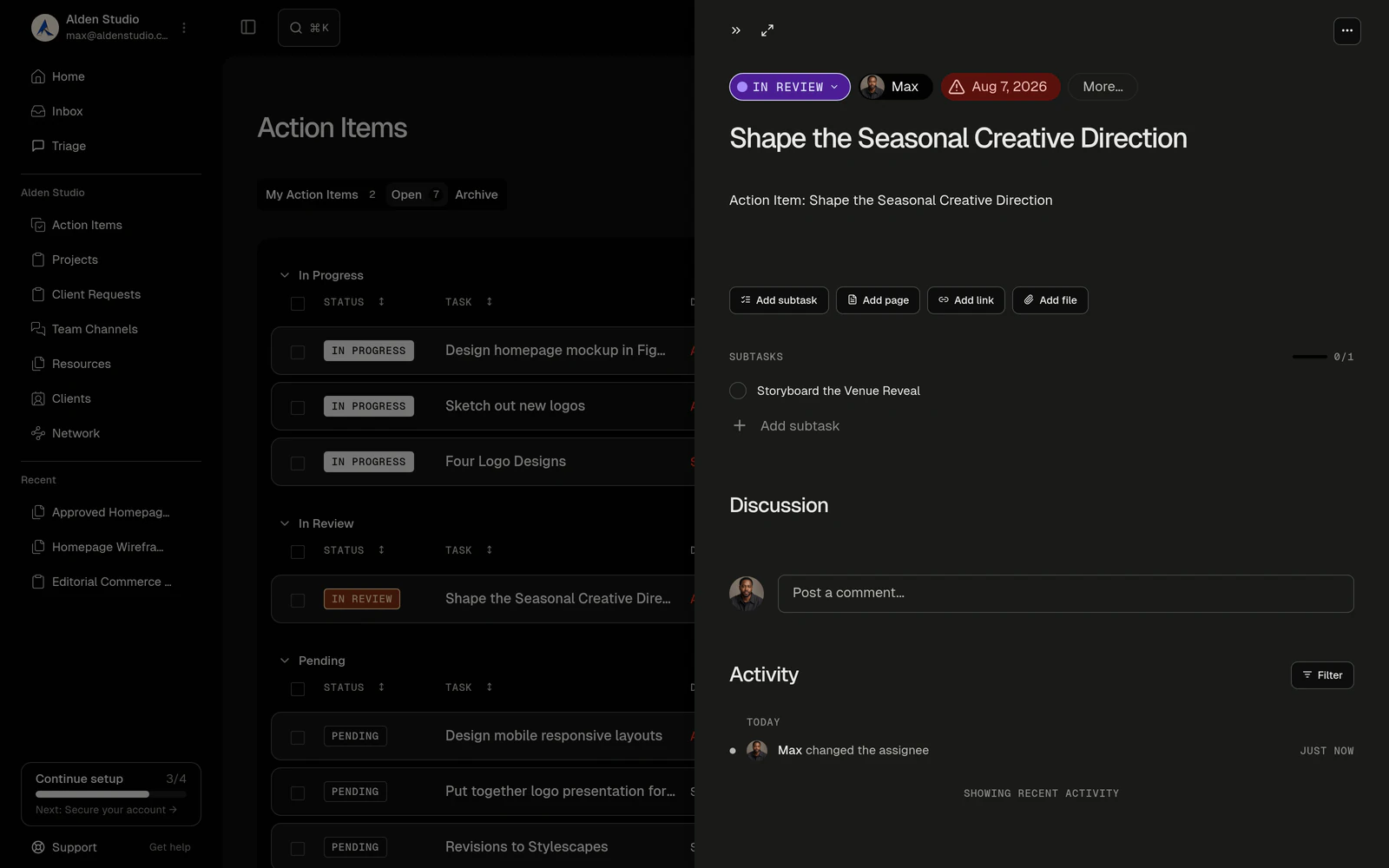
An action item is a commitment: assignee, due date, status, priority, estimate. Nest subtasks one level. Attach what it needs, discuss it in place, start a timer on it. Capture one from anywhere, mid-thought.
- Finish the parent and its subtasks close with it.
- The work window can't run past the due date.
- Action items can stand alone, outside any project.
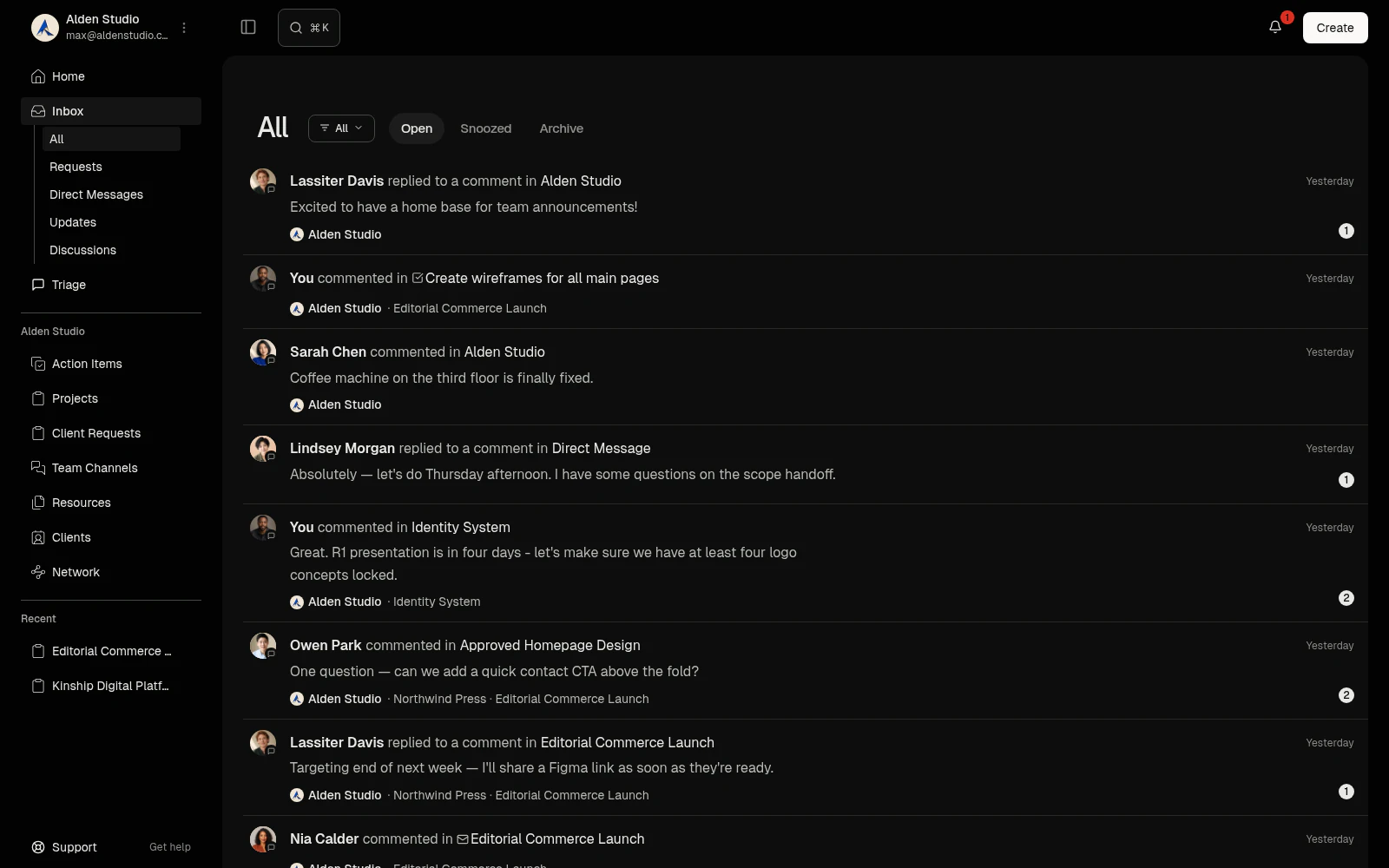
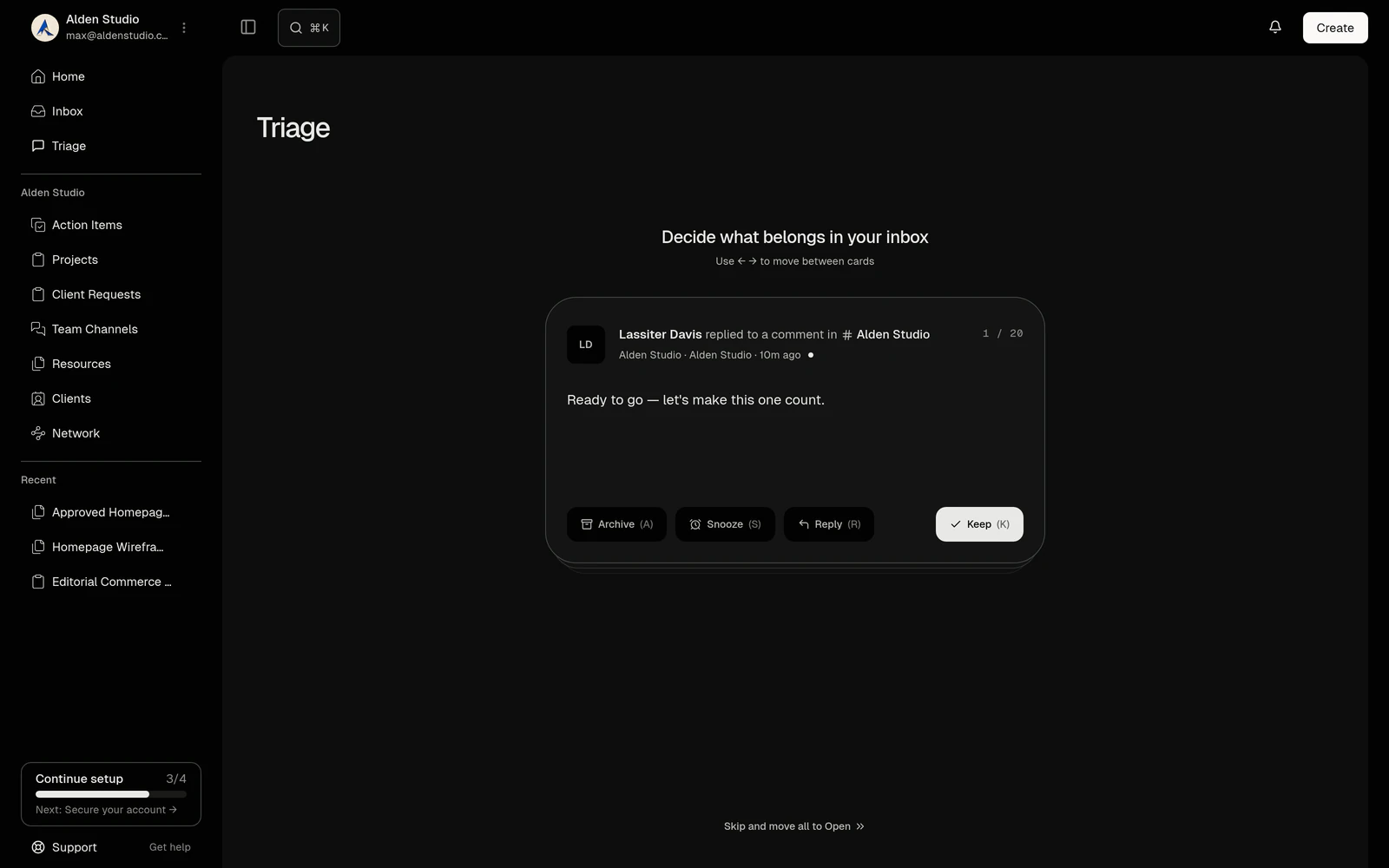
Tell. One inbox for everything that needs you.
Discussions you're in, client requests, approvals waiting on you, updates you follow. One list across every workspace. Reply, approve, or accept inline. Snooze the rest.
- The inbox is yours, not the workspace's.
- Snooze brings an item back unread when you choose.
- Post an update once; everyone following sees it.
Manage your work
Project timeline
Stages, milestones, and action items on one timeline.
Scheduling rules
Hours per day, weekends, sequential or parallel. Preview before anything moves.
Project deadline
Know the difference between when the work is done and it's due.
Project tabs
Overview, Discussions, Updates, Schedule, Action Items, Files, Billing, Settings.
Lifecycle
Planning, active, on hold, completed, archived.
Discussions in context
A thread on every project, milestone, item, and file.
Direct messages
One-to-one or group, across workspaces.
Channels
Topic-based, long-running, internal only.
Time tracking
One timer, billable flag, timesheet by day, week, month.
Network
Every contact, plus private rosters of the people you'd call.
Who it’s for
Solo designers
Six clients, six projects, one schedule of what's due this month, and one place to look.
Studios
A brand project with stages, milestones the client signs off on, and a template so the next one sets up in five minutes.
Motion and video
Rounds as milestones, revisions as action items, notes pinned to the frame they're about.
Photographers
Pre-production, shoot day, selects, retouching, delivery. Five stages, five dates.
Questions & Answers
Is this only for client projects?
No. A project is any body of work: a client site, a studio rebrand, the side project. Action items can stand alone with no project at all. Client projects add one thing: the option to publish them to a portal.
What's the difference between a milestone, a stage, and an action item?
A stage organizes: discovery, design, build. A milestone is a single-date checkpoint: "Round one approved." An action item is the work: "Deliver logo concepts." Milestones can require sign-off. Stages never do.
How fast is it to start a project?
A name is enough. Quick create commits it and you build the work later. The guided path (Build, Schedule, Share) is for when you'd rather plan first.
Can I reuse a project?
Two ways. Save its structure as a template: stages, action items, milestones, estimates, no history. Or clone it for the same client: plan, dates, assignees, and blockers copy; discussions, files, and approvals don't.
Can I assign an action item to a client?
No. Action items are internal and never appear in the portal. Tag a client in one's discussion and they get the thread without the item. What clients act on are approvals and requests.
What are subtasks?
One level under an action item, created in place. They don't nest further and can't move between parents. Finish the parent and the open subtasks close.
Does the schedule move things for me?
Only when you ask. Scheduling rules are saved separately from dates. Applying them shows a preview and waits for your confirmation before any window changes. Due dates, milestones, and finished work never move.
What happens if a project runs late?
Watson warns when the computed end passes the deadline. Past-due action items surface in the project and in notifications. Nothing auto-closes.
What's in the inbox, and what isn't?
In: discussions you're mentioned in, assigned to, or following; requests to you or from you; approvals waiting on your decision; updates from surfaces you follow; direct messages; engagement invites. Not in: action items. The inbox is communication, not a task list. Assignments show up in notifications.
Does the inbox span workspaces?
Yes. It's attached to you, not a workspace. Every item shows where it came from, and a filter narrows to the current one.
Can I turn a conversation into work?
Yes. Any message or discussion can become an action item with the thread kept as context. A discussion that reaches a decision can request an approval on the thing it's about.
What's an update, versus a message?
An update is a posted record on a project or a client space: title, body, attachments, replies. It's the "here's where we are" someone can scroll back to a month later. A message is conversation. Clients see a project's updates when the project is published, and always see updates on their own client space.
How does time tracking work?
Start a timer on an action item, a project, or a client from anywhere, or log time by hand afterward. One timer runs at a time and it follows you between workspaces; starting a second asks you to stop the first. Entries carry a billable flag and a rate from the project or your default, and round to fifteen minutes on the timesheet. Rolling billable time into an invoice waits for Invoicing and Payments.
Can I invite freelancers into a project?
Rosters keep private lists of the people you work with, and adding someone off-platform sends them an invitation to join Watson. Working on your project from their own workspace, with a subcontractor contract generated for you, is the marquee post-MVP feature. Not in the beta.
Is there a calendar?
The schedule is here today. Calendar sync, booking pages, and placing action items on your calendar as work blocks are on the roadmap.
Can I move an action item to another project?
Not in the beta. Create it in the destination project and link back.
Projects feed the portal its schedule and hold the files.