The right file in the right place.
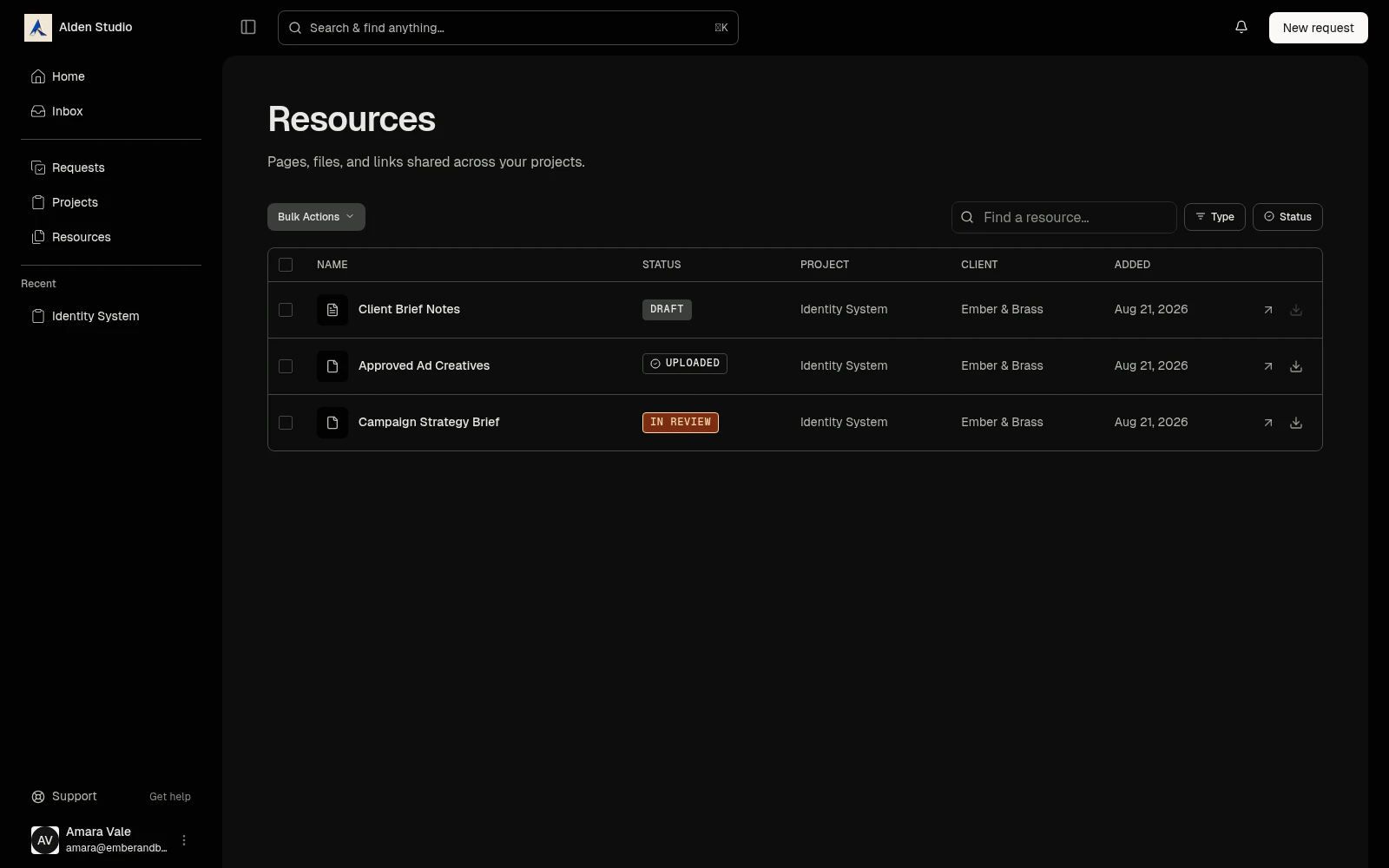
Attach a file, page, note, or link to the work and Watson links it everywhere that work shows up. It's there for you, your team, and your client every time, with no folder system to maintain.
How it works
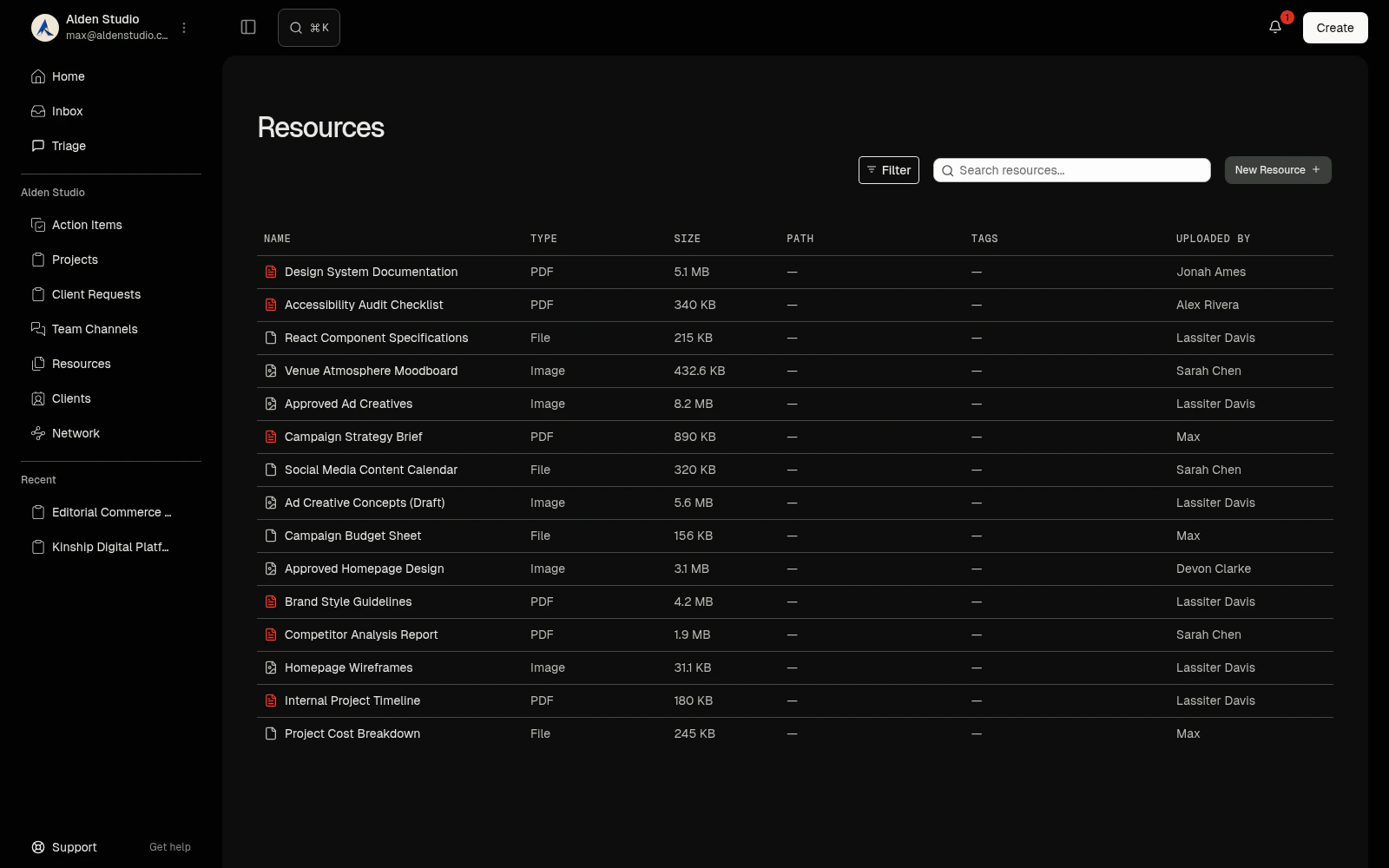
Upload. Put the file on the work, not in a folder.
Drag it, paste it, pick it. Every file is anchored to a project, an engagement, a request, a message, or the library, and shows up wherever that work does. Big files upload in chunks and resume if the connection drops.
- Paste a Figma or Drive URL and it's a file too.
- Pages sit alongside, attached to the same project.
- The library is flat on purpose. Nothing to maintain.
Version. Upload the next round and the last one stays.
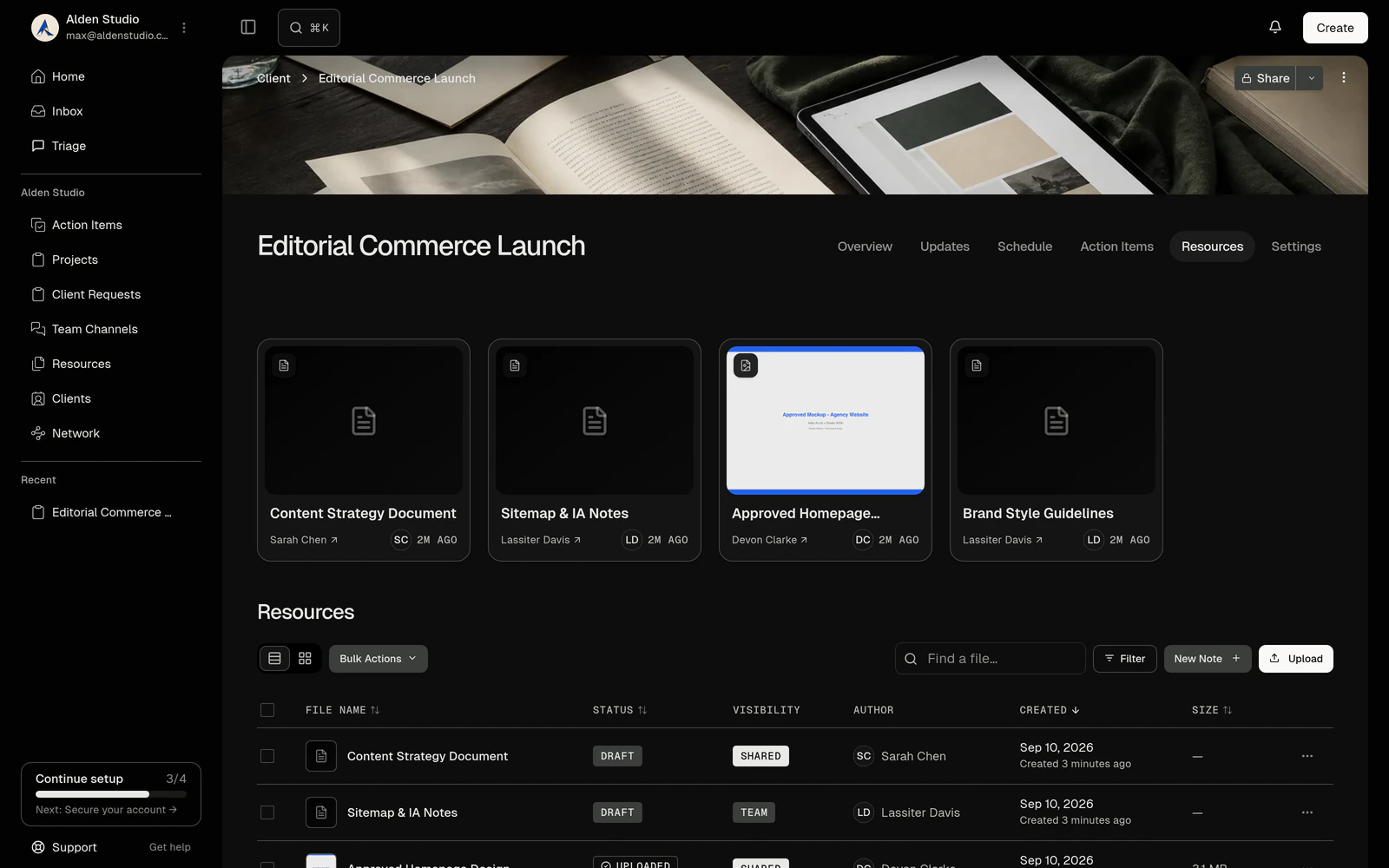
A new upload makes a new version. The previous ones are untouchable and one click away. Comments stay with the version they were made on, so round three starts clean.
- Versions are immutable. Nothing is overwritten.
- Trash holds deleted files for thirty days.
- Pages keep version history too, with restore.
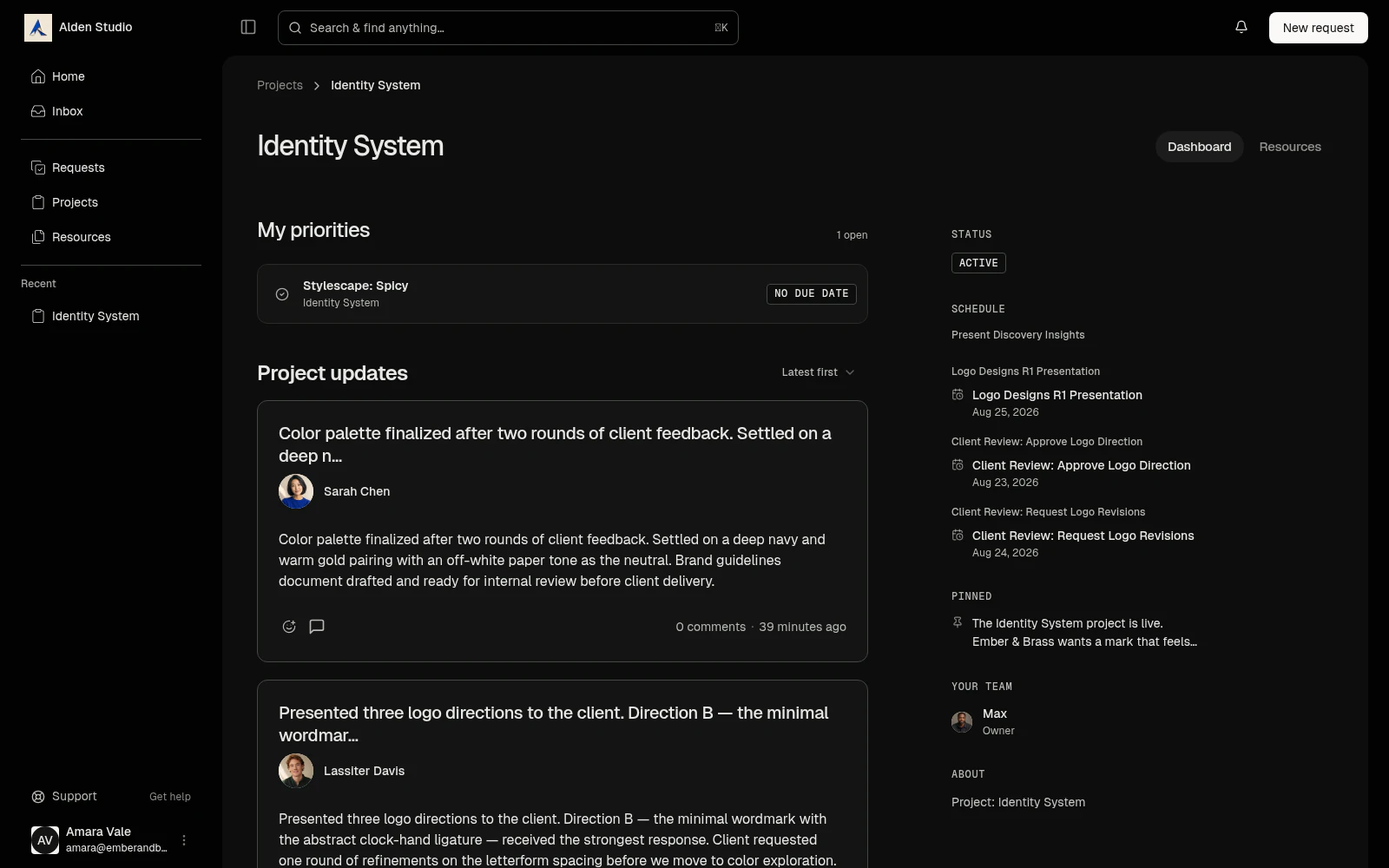
Share. Mark it client-visible and it's in their portal.
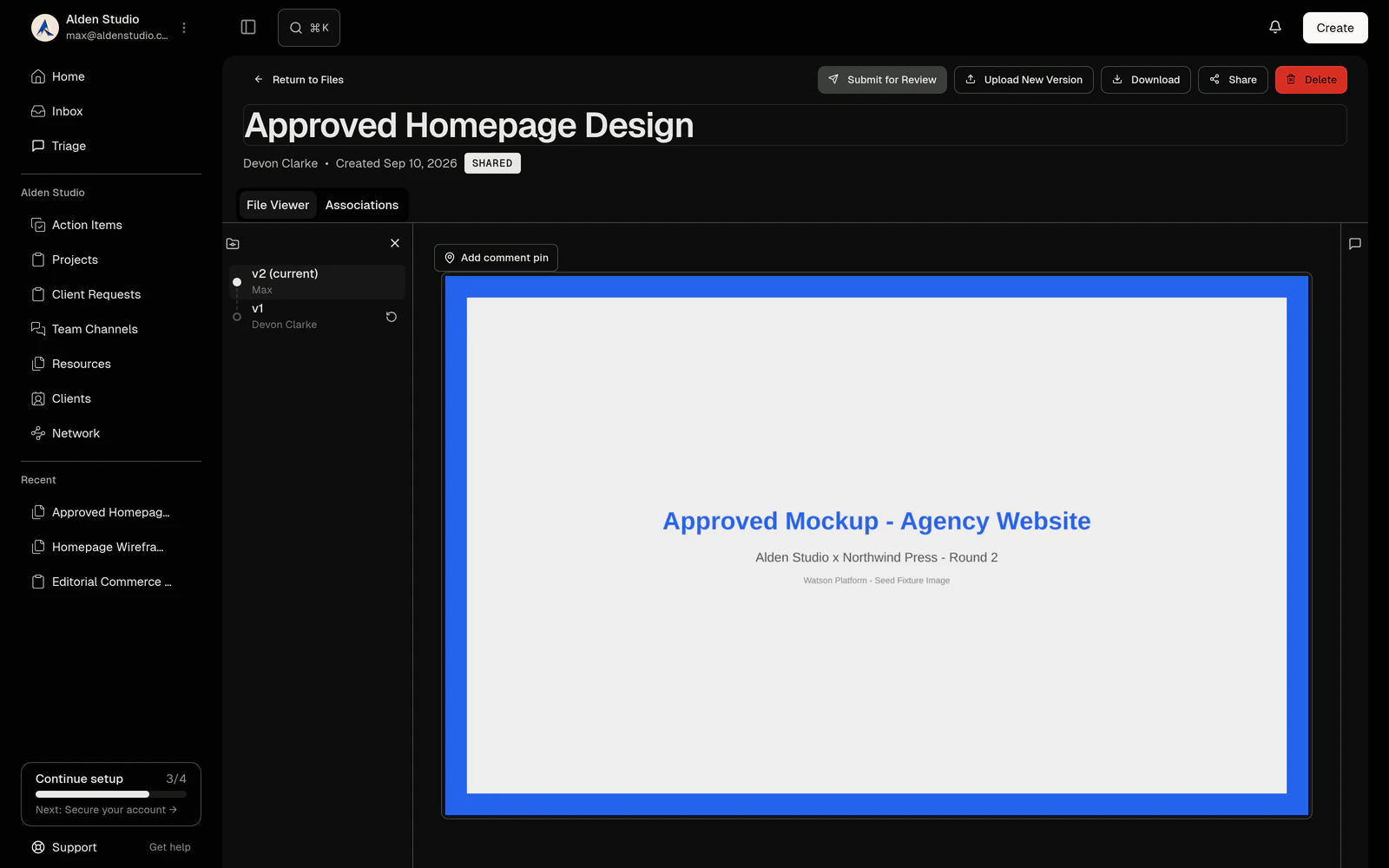
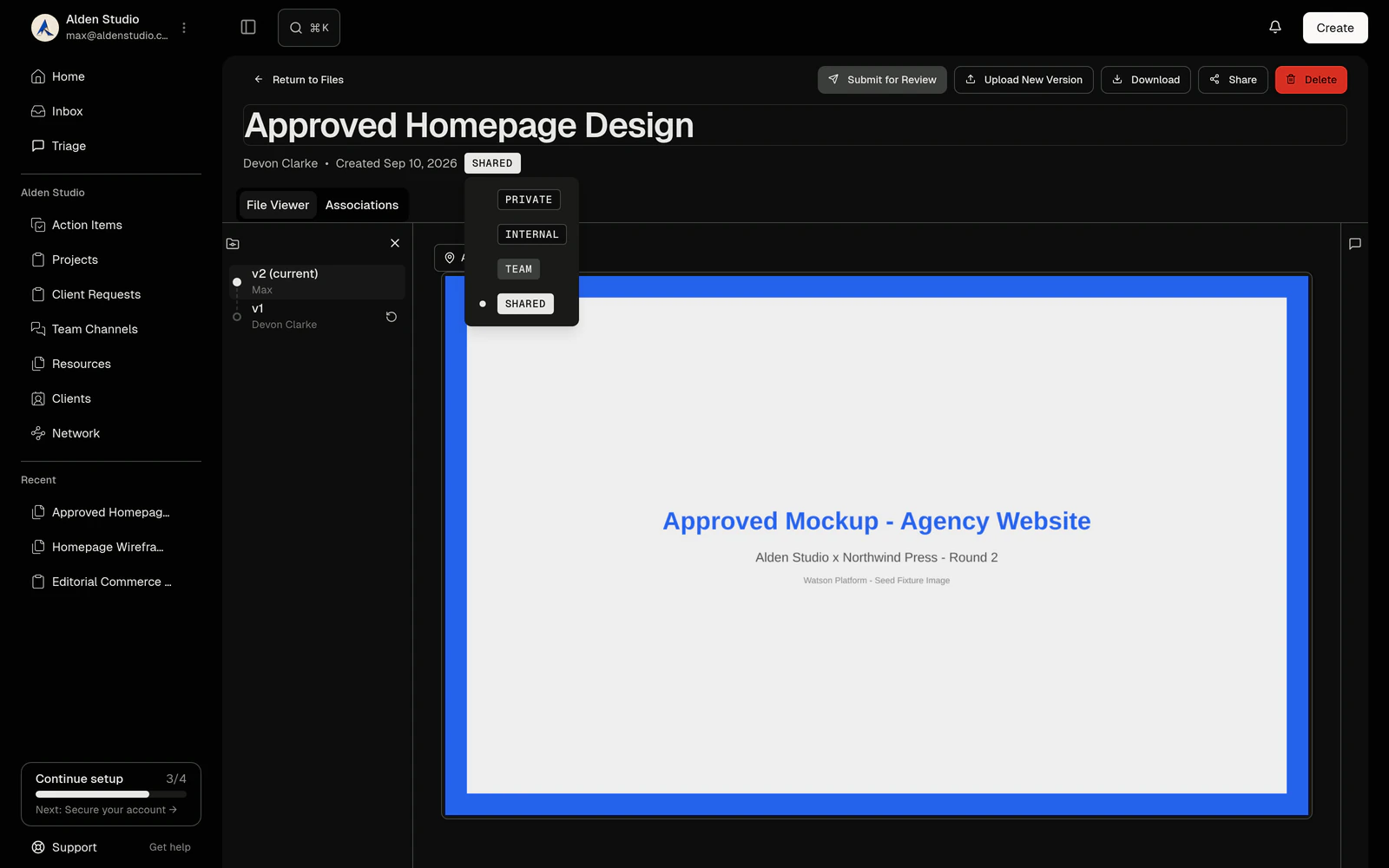
Files stay yours by default, even in a published project. Grant one and the client opens it inline, annotates the spot, downloads the original. No attachments, no expiring links, no "can you resend that?"
- Per-file grants. They see exactly what you grant.
- Flag a deliverable to put it front and center.
- Ask for sign-off on the file; the answer is logged on it.
Everything in files
Preview inline
Images, PDFs, video, audio, documents. No download.
The full viewer
One surface for reading, scrubbing, annotating.
Annotations
A comment pinned to a point, a page, a timestamp, or a text range.
Discussions on a file
One thread per file for the rest.
Bulk actions
Select many. Upload, move, delete, tag.
Permissions
Inherit from the anchor, or override per file.
Pages
A block editor with live embeds, templates, history, export.
Storage
Set by your plan, expandable without changing it.
Detached, not deleted
Delete a project and its files survive.
Broken links flagged
A dead URL gets a badge on the next fetch.
Who it’s for
Photographers
Galleries the client can find next month, not just today, with selects annotated on the frame.
Brand designers
Round one through round six, every version kept, the current one marked, the approval on the file.
Video teams
Cuts versioned without renaming. Notes pinned to the second they're about.
Anyone who has ever emailed a 40 MB attachment.
Questions & Answers
Where do files live?
On the work. Every file has an anchor: a project, an engagement, a request, a message, or the workspace library. The same file shows on the action item it's attached to and in the project's Notes and Files. Nothing is duplicated.
How much storage do I get?
Your plan sets the ceiling. Community includes 5 GB and Studio includes 150 GB, with more as pay-as-you-go without changing plans. Owners can set per-role upload limits inside that ceiling.
Do old versions count against storage?
Yes. Versions are kept in full so any of them can come back. Deleting a file moves it to trash for thirty days, then it's purged.
What file types can I upload?
Anything. Previews render for images, multi-page PDFs, video, audio, and common documents. A type without a preview gets a download view with its details.
How big can a file be?
Large video is expected, not tolerated. Uploads are chunked and resume on a bad connection. The published ceiling is still being set.
Can I link a Figma file or a Google Doc instead of uploading?
Yes. Paste the URL and Watson makes a link with the title and preview. Links behave like files (anchored, permissioned, annotatable) but appear only on the thing they're attached to, not in the library.
Can clients see my files?
Only the ones you grant. Files aren't client-visible by default, even in a published project. Each one needs its own grant. Files the client uploads are visible to them by default.
Can a client download the original?
Yes, from the portal, for anything you've granted.
How do annotations work?
Drop a pin on a region of an image, a PDF page, a timestamp in a video, or a text range on a page. Each one is a thread with a location. It stays with the version it was made on; a new version starts clean. Resolve the thread and the annotation resolves.
Can I ask for approval on a file?
Yes. Request sign-off and the approver answers approved or changes requested, with a note. The decision is logged on the file with who and when.
Is there folder structure?
Not in the beta. The library is flat, organized by search, sort, and tags. Folders and collections are on the roadmap.
What are pages?
Documents in a block editor: briefs, recaps, SOPs, meeting notes. Slash menu, markdown shortcuts, drag-to-reorder, a formatting bar, mentions, and live embeds of action items and files. Pages anchor to a project or the library, keep version history, can be locked, and export to PDF or Markdown. Templates ship for meeting notes, project briefs, and weekly status.
Can I share a file with someone who isn't a client or a collaborator?
Not in the beta. Public share links are on the roadmap. Today, share through the portal or export a page to PDF.
What about whiteboards and moodboards?
Canvases are post-MVP. At launch, resources are files, links, and pages.
What happens to a file if I delete its project?
It survives, offered for reattachment or a move to the library. Deleting an anchor never deletes a file.
What if my subscription lapses?
Existing files stay readable, for you and for clients. New uploads pause on both sides until the account is in good standing.
Files attach to the work in Projects and reach the client through the Portal.